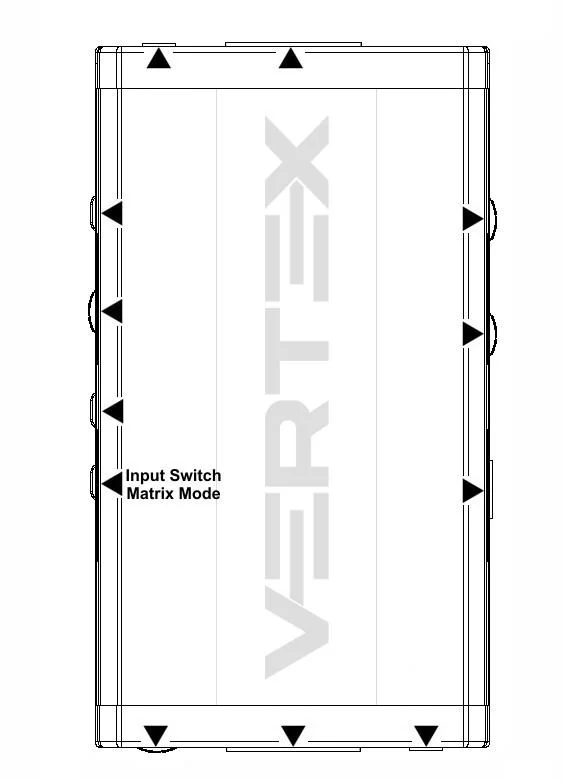
Input Switch / Matrix Mode Button allow you to switch active inputs or enter/exit the Matrix mode.
Short Press
will switch the active input channels in Splitter Mode and swap/cross signals in Matrix mode.
Long Press
(over 2sec) will enter/exit the Matrix Mode
Vertex OLED/OSD will report the two active inputs in Matrix mode while only the current active input is reported via OLED/OSD in Splitter mode.
NoteYou can also switch inputs and Matrix, Splitter mode and any others control with IR codes, from the USB GUI for Windows PC, RS232 for MAC/WIN/Linux or via smartphone/tablet APP for Android/iOS using GoBlue.