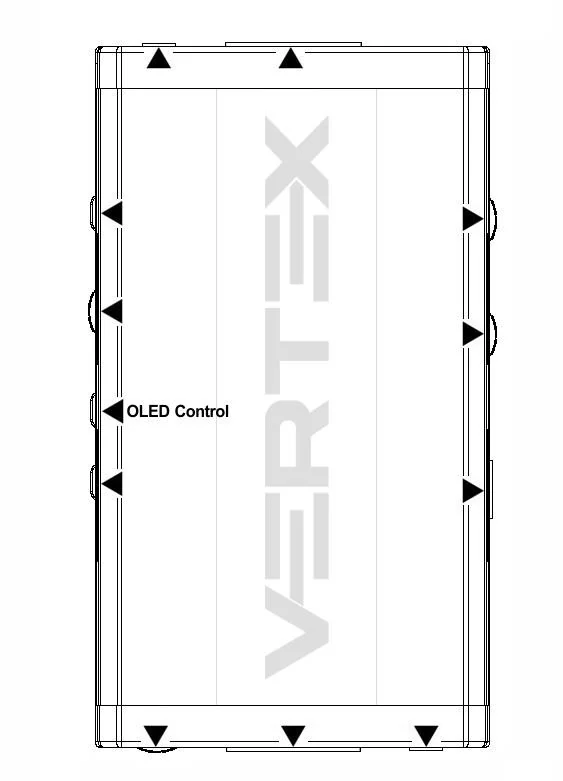
OLED Control Button allows you to control the OLED infopage displayed and the light in your setup.
Short Press
will cycle through the OLED infopage available or wake up from sleep/fade mode.
Long Press
(over 2sec) will cycle through OLED + Vertex side logo + OSD (default) > OLED + OSD > OLED alone > OSD alone > None (no lights and no info at all)
NoteYou can also switch OLED infopage and control light in your setup and any others control with IR codes, from the USB GUI for Windows PC, RS232 for MAC/WIN/Linux or via smartphone/tablet APP for Android/iOS using GoBlue.